
Convert an SPSS .sav file to an Excel .xlsx or .csv file
Convert SPSS .sav files to Excel or CSV using Python!
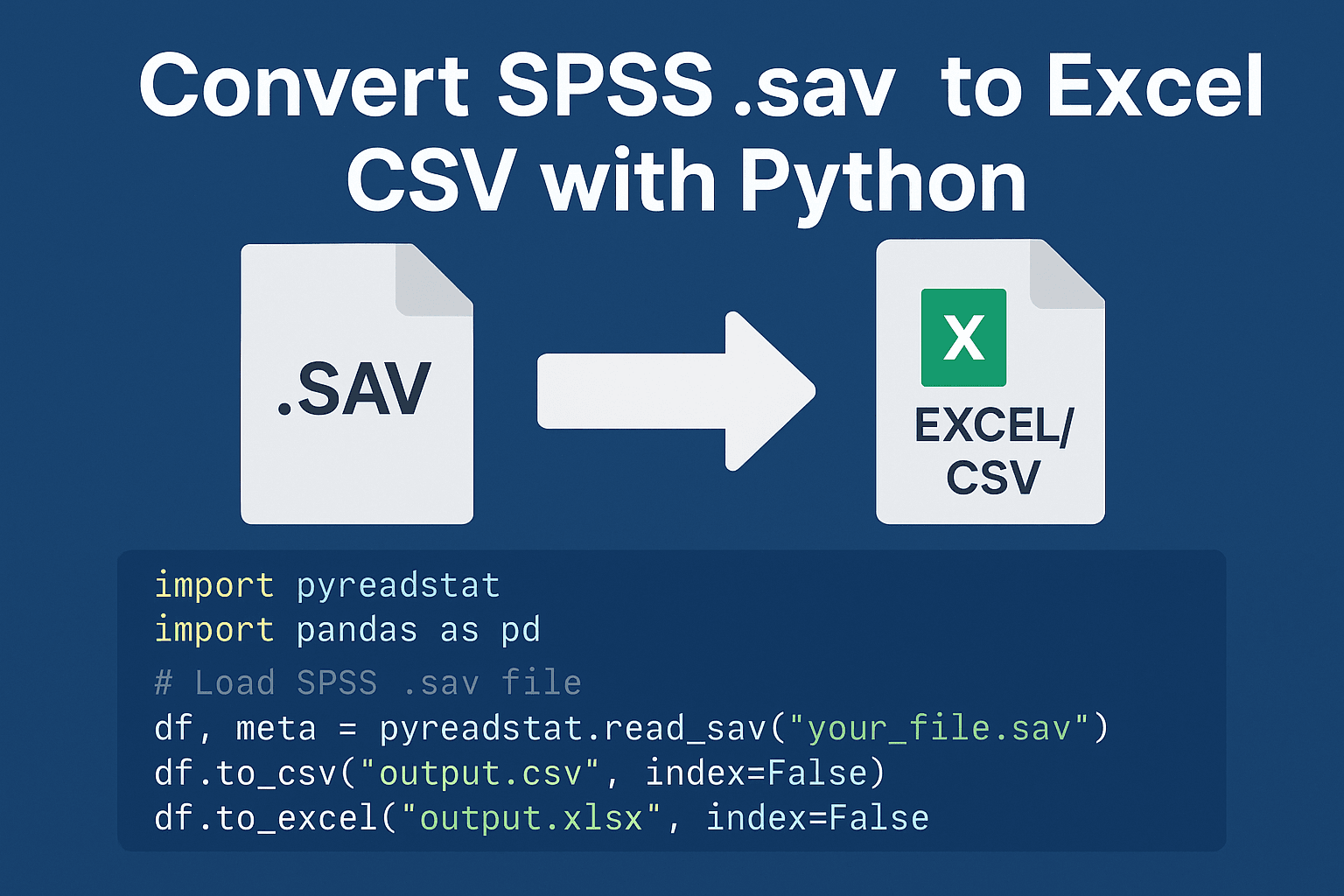
Working with data from SPSS (.sav) but prefer Excel or CSV formats for analysis in Python, R, or Excel itself?
Here’s a simple Python script to convert .sav files into .xlsx or .csv formats using pandas and pyreadstat.
Why it’s useful:
- No need for SPSS installed
- Handles large .sav files
- Great for analysts, researchers, or students migrating to Python workflows
# A Python script to convert an SPSS .sav file to an Excel .xlsx or .csv file.

import pandas as pd
import os

def convert_sav_file():
    """
    Prompts the user for input/output paths and format, then performs the conversion.
    """
    print("--- SAV File Converter ---")

    # --- Get Input File Path ---
    while True:
        sav_path = input("Enter the path to your .sav file: ").strip()
        if os.path.exists(sav_path) and sav_path.lower().endswith('.sav'):
            break
        elif not sav_path.lower().endswith('.sav'):
            print("Error: The file must have a .sav extension.")
        else:
            print("Error: File not found. Please check the path and try again.")

    # --- Get Desired Output Format ---
    while True:
        print("\nChoose an output format:")
        print("1: CSV (Much Faster, Recommended for large files)")
        print("2: XLSX (Slower, standard Excel format)")
        choice = input("Enter your choice (1 or 2): ").strip()
        if choice in ['1', '2']:
            break
        print("Invalid choice. Please enter 1 or 2.")

    output_format = '.csv' if choice == '1' else '.xlsx'

    # --- Get Output File Path ---
    default_output_name = os.path.splitext(os.path.basename(sav_path))[0] + output_format
    prompt_message = f"Enter the desired output file name (or press Enter for '{default_output_name}'): "

    output_path = input(prompt_message).strip()
    if not output_path:
        output_path = default_output_name

    # Ensure the output file has the correct extension
    if not output_path.lower().endswith(output_format):
        output_path += output_format

    # --- Perform Conversion ---
    try:
        print(f"\nReading '{sav_path}'... (This may take a moment for large files)")
        # Use pandas and the pyreadstat engine to read the .sav file.
        # 'convert_categoricals=True' converts SPSS categorical variables into human-readable labels.
        df = pd.read_spss(sav_path, convert_categoricals=True)

        print(f"Writing to '{output_path}'...")

        # --- Write based on chosen format ---
        if output_format == '.csv':
            # Writing to CSV is significantly faster
            df.to_csv(output_path, index=False, encoding='utf-8-sig')
        else:
            # Writing to XLSX is slower
            df.to_excel(output_path, index=False, engine='openpyxl')

        print("\n-----------------------------------------")
        print(" Conversion successful!")
        print(f"File saved as: {output_path}")
        print("-----------------------------------------")

    except Exception as e:
        print("\n-----------------------------------------")
        print(f" An error occurred during conversion: {e}")
        print("-----------------------------------------")

if __name__ == "__main__":
    convert_sav_file()